Mobile-first for Figma
Overview
How can Figma enable short bursts of creative work?
As a team of 4 designers, we had 6 days in this design sprint to create a compelling vision for Figma to allow creativity on-the-go.
My role
I led the product thinking and prototyped interactions
My main contributions in this project lie in guiding the product vision and ideation, landing key decisions like how a user plays back a Live Comment, and prototyping explorations in Figma, Lottielab, and Protopie.
Problem
Today’s design tools are not built for sparks of creativity
Designers who care about their craft are constantly thinking about their projects, whether it’s waiting in line, commuting, or between meetings, there are countless micro-moments in a day when inspiration strikes or a small task could move a project forward.
However, ideas get scattered across notes apps, Slack messages, screenshots, or just stay in our heads because capturing or iterating on them requires sitting down at a computer.
The opportunity
What if Figma enabled designers to capture ideas on-the-go?
Principles around an “idea”
What is a well-documented idea?
These 3 core principles for an idea allowed us to ground our solution in what would best serve the idea being captured.
Solution
Live Comments: Give rich feedback on-the-go.
With live comments, you can sketch an idea onto your Figma file paired with a voice note that lives as a comment, enabling micro-creation: small, high-impact actions that fit into short bursts of time without sacrificing context or quality.
The goal is not to recreate the full canvas experience—it’s to make it possible to make meaningful progress by capturing your ideas in idle moments and making them easy to review later in work sessions.
When you’re on the go and your brain won’t stop designing...
That idea lives clearly in Figma, waiting for your team to jump in.
Types of ideas
What type of ideas do designers want to capture on-the-go?
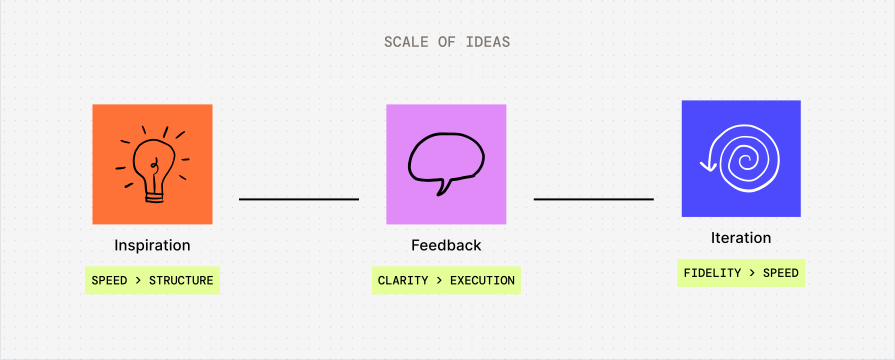
We knew that we weren’t going to bring the full functionality of Figma into mobile, so we had to be selective about what use cases make sense. We explored a spectrum of ideas that designers would want to capture.
Exploration: Capturing inspiration
First, we thought of inspo-gathering, quickly capturing faint thoughts or sources of inspiration around you. Here, the priority is speed over structure.
Quick capture on mobile
On mobile, select the type of idea you want to capture, whether that’s a sketch, image, or voice memo, add it, and then choose which file to drop it in.
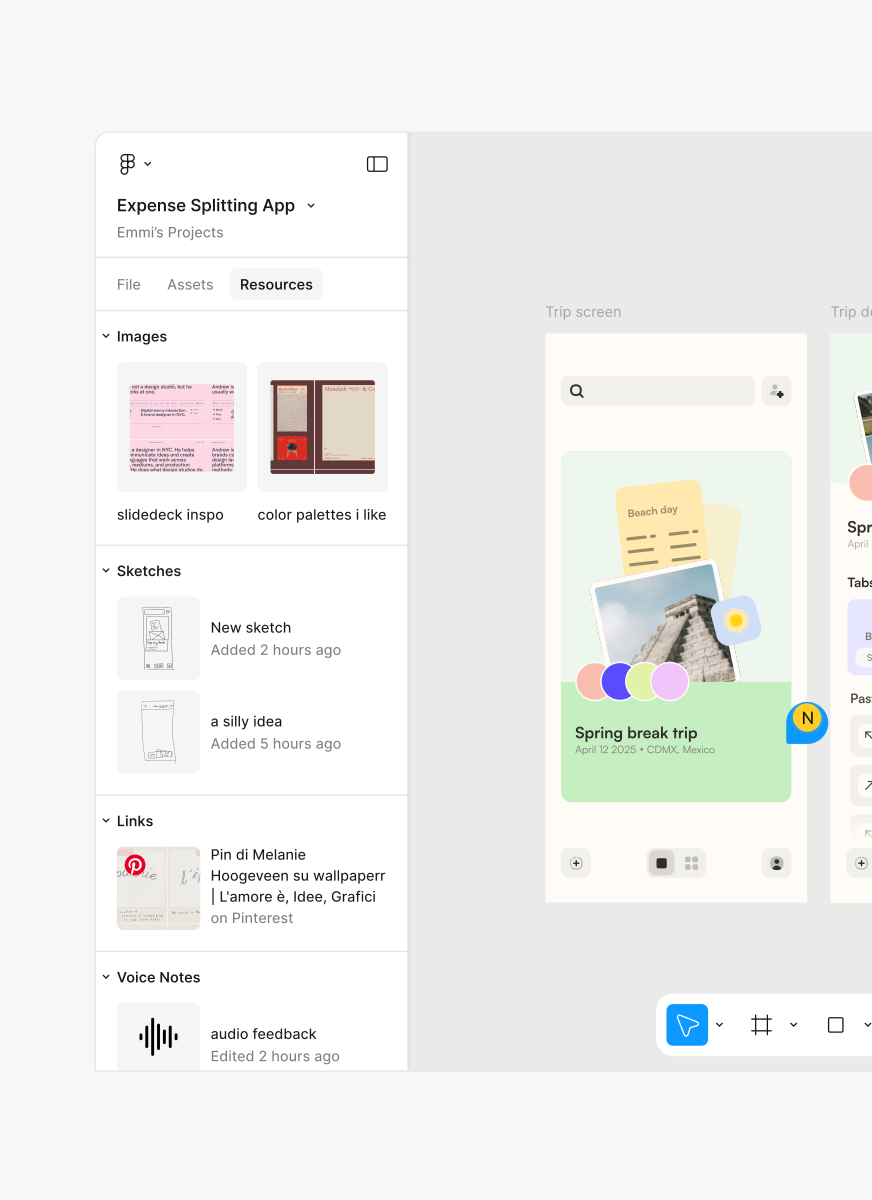
Exploration: Iteration on-the-go
Next, we thought of iterating on existing designs. Here, the priority is fidelity over speed.
Figgy AI
An AI copilot that takes in text prompts and executes on your ideas for your existing designs, building pixel-perfect wireframes without you struggling through a mobile interface during a short burst of time.
Solution: Capturing feedback
Finally, we thought of capturing feedback. Here, the priority is clarity over execution.
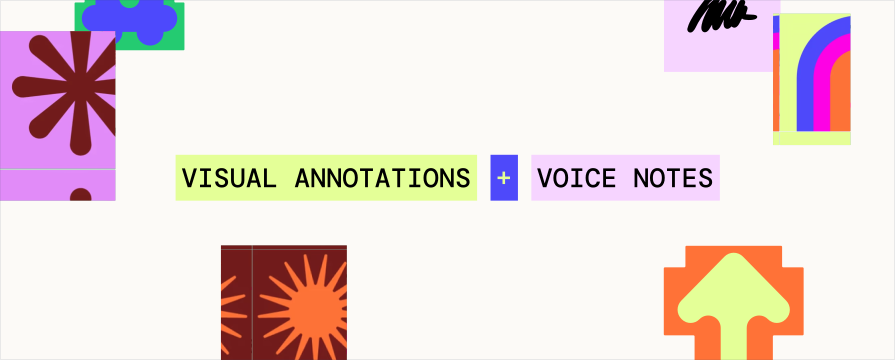
Visual annotations paired with voice notes
We landed on combining annotations with voice notes, as we found that this pairing was really powerful for quickly capturing high-fidelity ideas that are easy to understand and reference later.
Why this direction?
We felt like it was the most meaningful way to move forward in a project and would be most valuable in a work context, compared to the previous explorations.
Separating the comment layer from the design layer
The advantage of this solution is that you can capture really high-fidelity ideas that live as comments in a separate layer from the canvas.
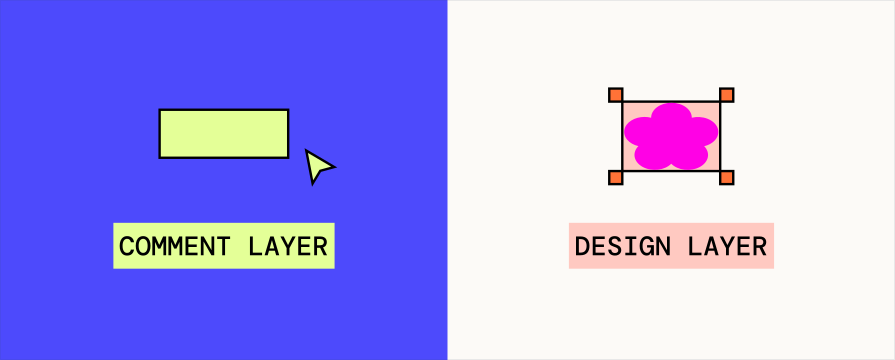
You don’t have to worry about editing something on the artboard itself and messing something up accidentally. You also won’t run into frustrating loops of AI prompting and re-prompting, since you will still be the one executing back at your desk.
Navigating on mobile
How do we make it easy to navigate when adding Live Comments?
For feedback to be clear and understandable, it has to be tied to the right part of the file.
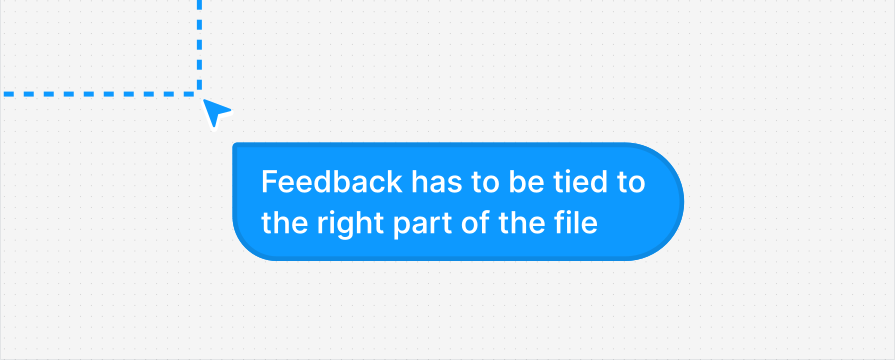
But on mobile, the canvas is not the easiest to navigate, making the actual navigation of the file a big barrier to capturing ideas and feedback. So, we explored mechanisms to make navigation a better experience on mobile.
Figma Feed
Figma Feed uses AI to group related sections and frames together allowing you to vertically scroll to view your frames rather than mapping around a messy canvas.
Figma Feed
Figma Feed uses AI to group related sections and frames together allowing you to vertically scroll to view your frames rather than mapping around a messy canvas.
Mini-map
Users can click or drag on a scaled overview of the entire canvas to pan to distant areas without manually scrolling.
Mini-map
Users can click or drag on a scaled overview of the entire canvas to pan to distant areas without manually scrolling.
Lasso Checkpoints
Lasso Checkpoints where you can select checkpoints to go through in sequence.
Lasso Checkpoints
Lasso Checkpoints where you can select checkpoints to go through in sequence.
Solution: Snap to frame
Double tap a frame to lock in on the view and quickly bring it into focus. We went with the Snap to frame interaction because it is simple, with no additional UI, and easily allows users to lock a frame to annotate on.
Reviewing Live Comments
How do we make it easy to understand and respond to Live Comments?
We want Live Comments to be easily glanceable while making sure you can understand the full context of one. But the problem is, they can get really long and hard to follow.
First pass: Segmenting into multiple comments
We initially thought of separating Live Comments into different chunks, so that each section of a Live Comment was mapped to its own annotation in the canvas. Remember, ideas must be anchored to context!
However, the problem with this approach was that this could actually impede clarity and collaboration, since it creates more noise on the canvas and makes it hard to discern which Live Comments are grouped with each other.
Solution: Sections within a Live Comment
This approach is more consistent with the current experience of commenting. The tradeoff is that we can’t respond to smaller snippets of ideas within a longer recording.
Outcome
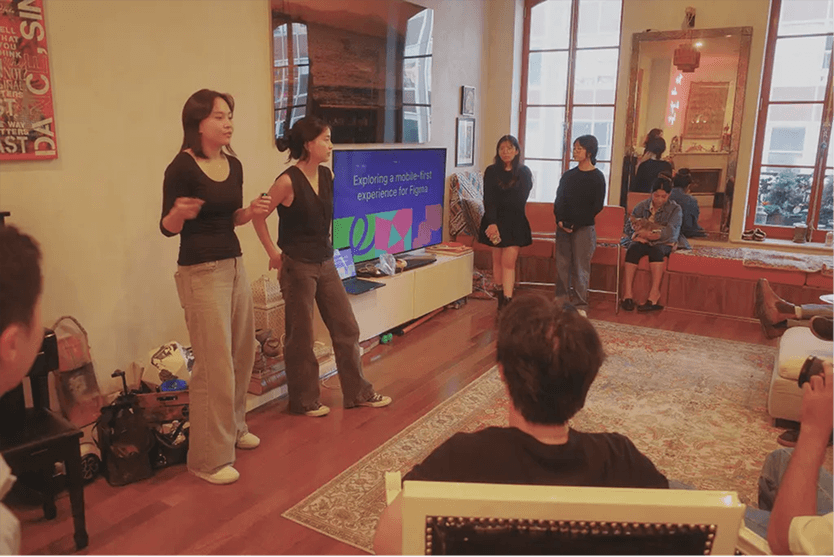
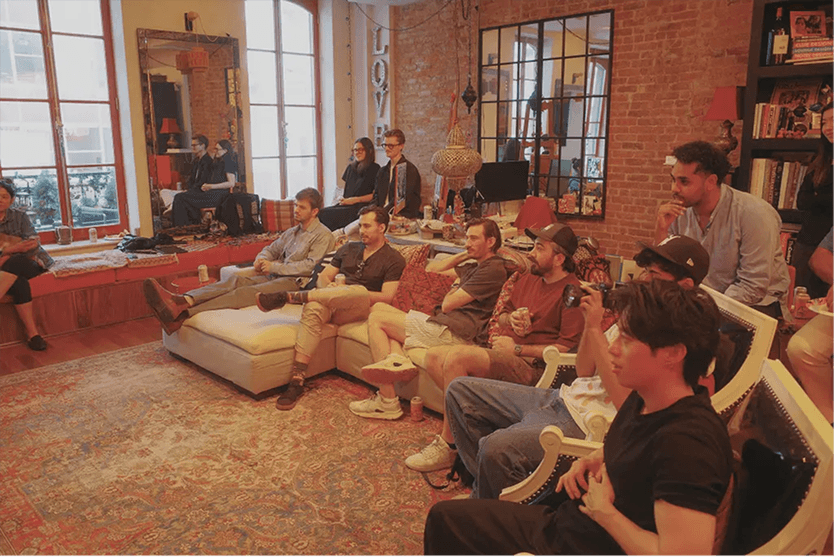
We won the SVSD design competition!
We presented this project to some of the biggest names in design, from companies like Apple, Meta, Google, LinkedIn, and Notion, and were voted as winners!
Reflection
Be careful of what you add to a product, even if it seems useful.
It’s easy to keep building new ideas that solve user problems, but it’s important to design it in a way that makes sense for the existing system.
Focused energy and exploration can go very far in a short time frame
In our week-long sprint, we created a vision for a Figma feature grounded in explorations, iterations, and many key decisions made along the way.